Why hire a designer when you have AI?
Making peace with AI. Sort of. Why creative judgment, fifteen years of design experience and professional craft still matter in the age of generative AI, plus six practical tips.
I didn't want anything to do with AI. When generative AI entered the creative world, my reaction was simple: this is stealing. Years of work by artists, photographers, illustrators and designers, absorbed into systems that can produce something resembling it in seconds. Often without permission, credit or compensation. As an artist and a graphic designer, I found that deeply uncomfortable. I still do.
Then things got complicated.
At Jaaf Information Design, I started experimenting with AI. Reluctantly at first, then more seriously, and eventually in ways that turned out to be genuinely useful.
Today AI is part of my workflow. I use it to help build websites, explore technical possibilities, refine concepts I've already developed and generate temporary content before the real content is ready. Things that used to take serious technical knowledge or hours of repetitive work are becoming much more accessible. I have to admit: it's exciting.
But the more I work with AI, the more convinced I am that knowing how to generate something and knowing how to design something are two very different things.
Why would you still hire me?
You can absolutely make it yourself with AI. And that's exactly what you'll get: something you made with AI.
It might look fantastic. It might be exactly what you need. If so, great. I'm genuinely happy these tools make creativity more accessible.
But generating something that looks like design isn't the same as designing something that works. AI can offer hundreds of possibilities in seconds. What it doesn't provide is the experience to know which one is right for your audience, your message and your ambitions. That's where I come in.
Fifteen years of developing an eye.
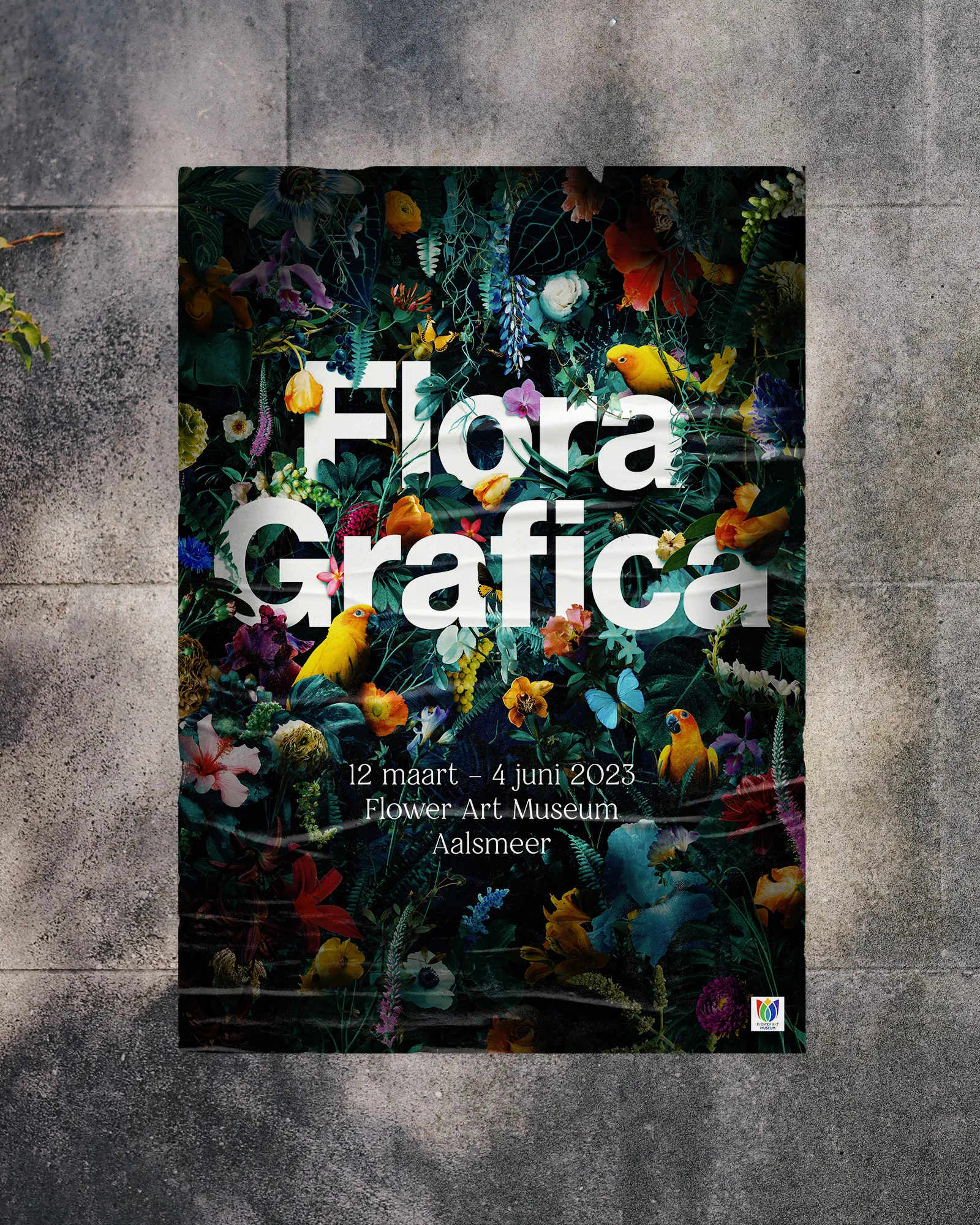
I've spent over fifteen years working as an artist and multidisciplinary designer. That isn't about knowing how to operate software. It's about understanding visual communication: typography, composition, colour, contrast, hierarchy, rhythm and the relationship between form and meaning. I don't just know these things. I work with them every day, in concepts, identities, print, websites and photography.
I know my way around sophisticated design applications, and increasingly around AI workflows too. But the value isn't in the tools. It's in knowing what to do with them. Knowing when an idea has potential. When a composition isn't quite right. When a design says the wrong thing. And, perhaps most importantly, when to stop adding things.
That kind of judgment takes years to develop.
What I mean by AI slop.
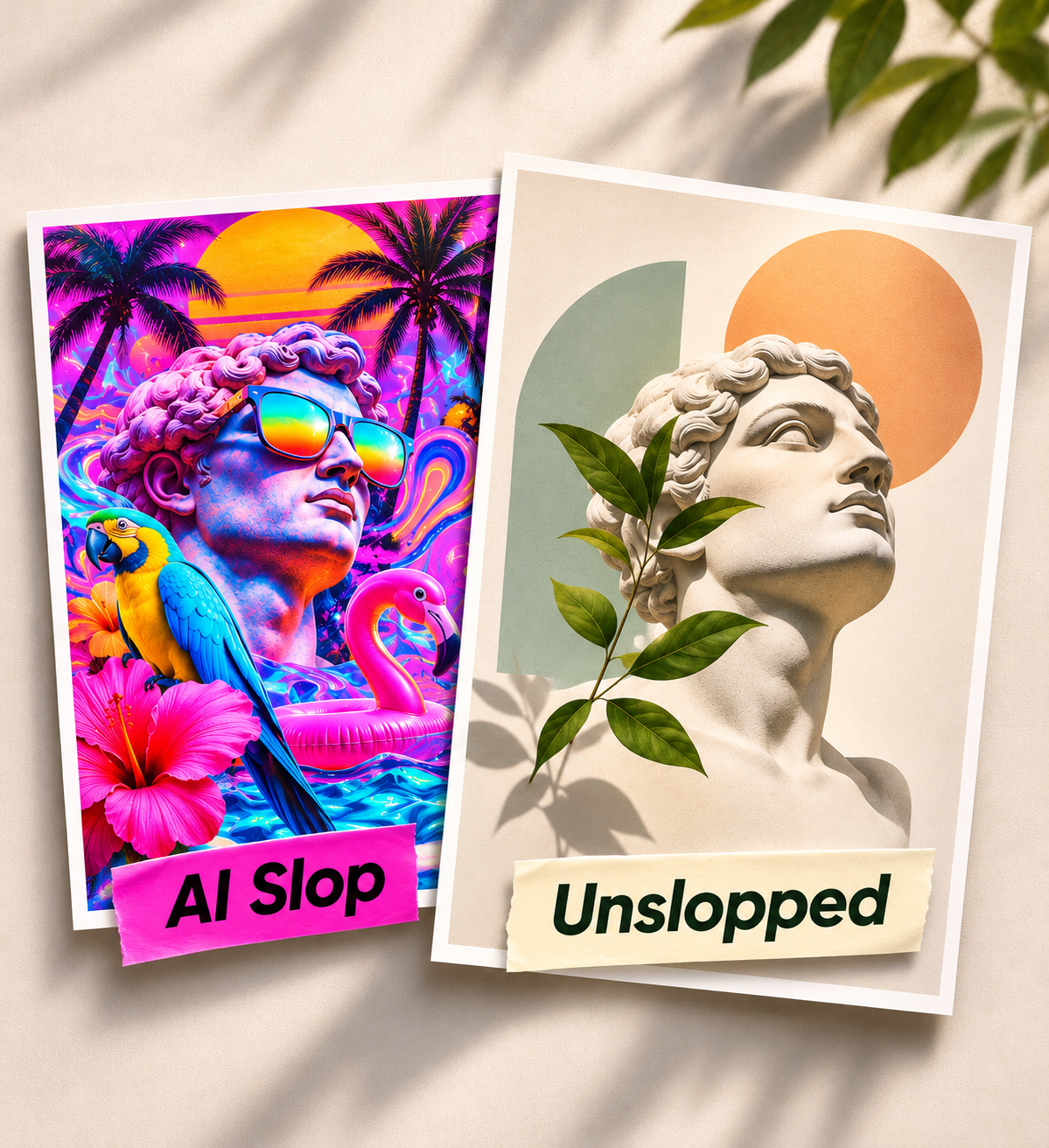
You've probably seen it. Impossibly colourful images, dramatic lighting, glossy surfaces, excessive detail. Compositions desperately trying to impress you with everything at once.
Of course, AI doesn't have to produce bad design, and humans are perfectly capable of making visual nonsense on their own. The problem isn't the technology. It's the absence of creative judgment. Slop is what happens when visual decisions are made for instant impact rather than meaning. Six warning signs I look for, and what I'd do instead:
1. Everything is the hero. Competing focal points, giant headlines, glows and floating objects. If everything shouts, nothing gets heard. Unslopped: one clear focal point and room to breathe.
2. Decoration without a reason. Random butterflies, leaves and neon halos. Why are they there? Unslopped: every element earns its place.
3. The same polished look, everywhere. Smooth surfaces, impossible lighting, that familiar hyperreal finish. Impressive at first glance, interchangeable a second later. Unslopped: a visual language that belongs to the project.
4. Typography as an afterthought. Text squeezed into an image, weak hierarchy, awkward line breaks. Unslopped: typography as part of the concept, not a label pasted on at the end.
5. More iterations instead of better decisions. More premium, more cinematic, more wow. Before long it's just more noise. Unslopped: ask what can be removed, not only what can be added.
6. A beautiful image that doesn't survive reality. A striking mockup is not a working website, a coherent brand system or a print-ready file. Unslopped: design that works across formats and constraints.
None of these are uniquely AI problems. Designers make the same mistakes. The difference is whether someone notices, questions the result and makes a deliberate choice.
AI can generate possibilities. Design is about making choices.
And then there's the actual delivery.
This often gets overlooked in conversations about AI and design. Making something that looks impressive on a screen is one thing. Delivering a technically correct, professionally finished product is another.
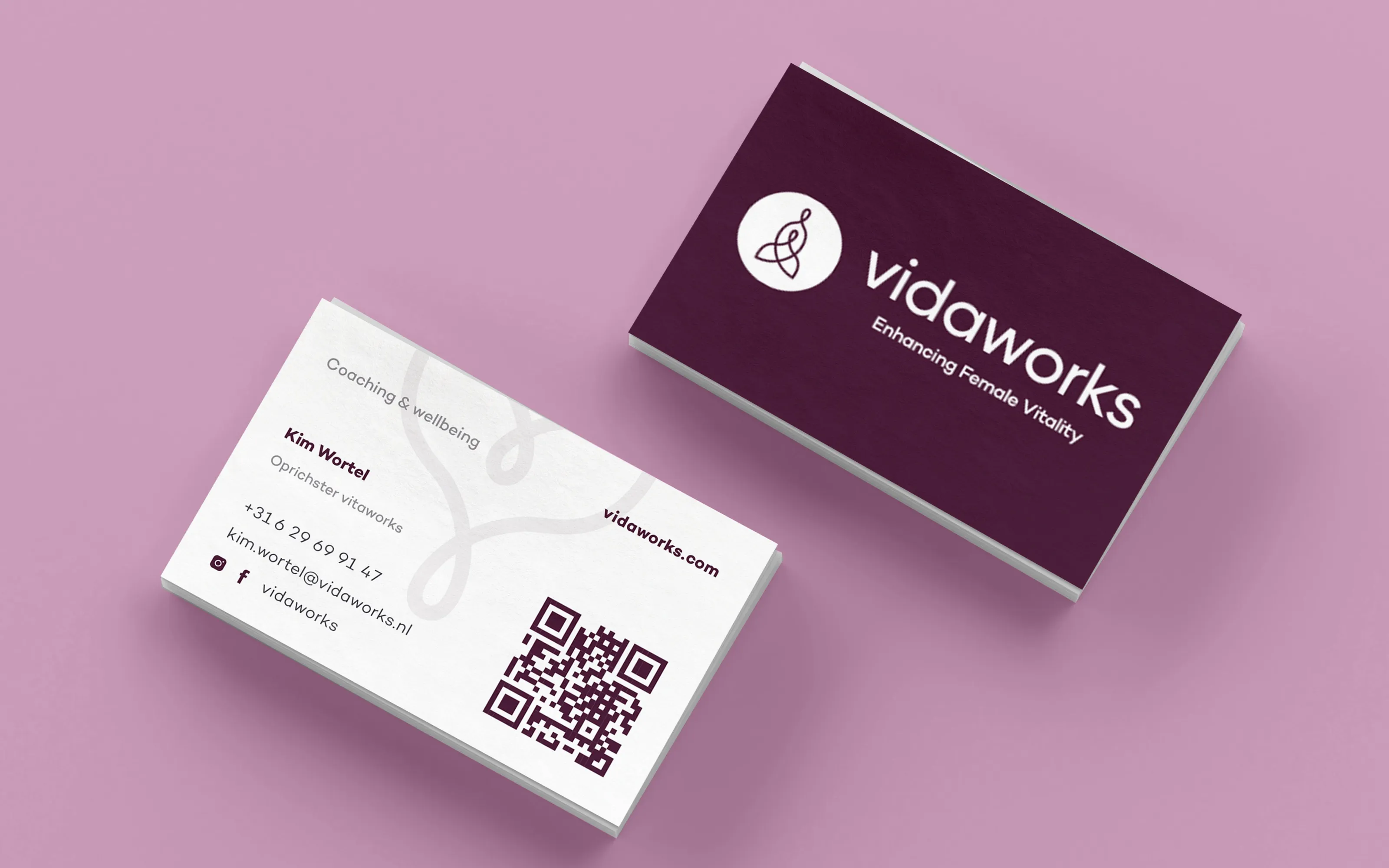
Print production, image resolution, colour management, accessibility, file preparation, consistency across formats: all the seemingly invisible details that decide whether something works in the real world. I have extensive experience taking projects from a first idea to a high-quality final product, and there's a considerable difference between an image that looks finished and a design that's ready to be published.
AI can help enormously along the way. But someone still needs to know what they're doing.
Some things I won't outsource.
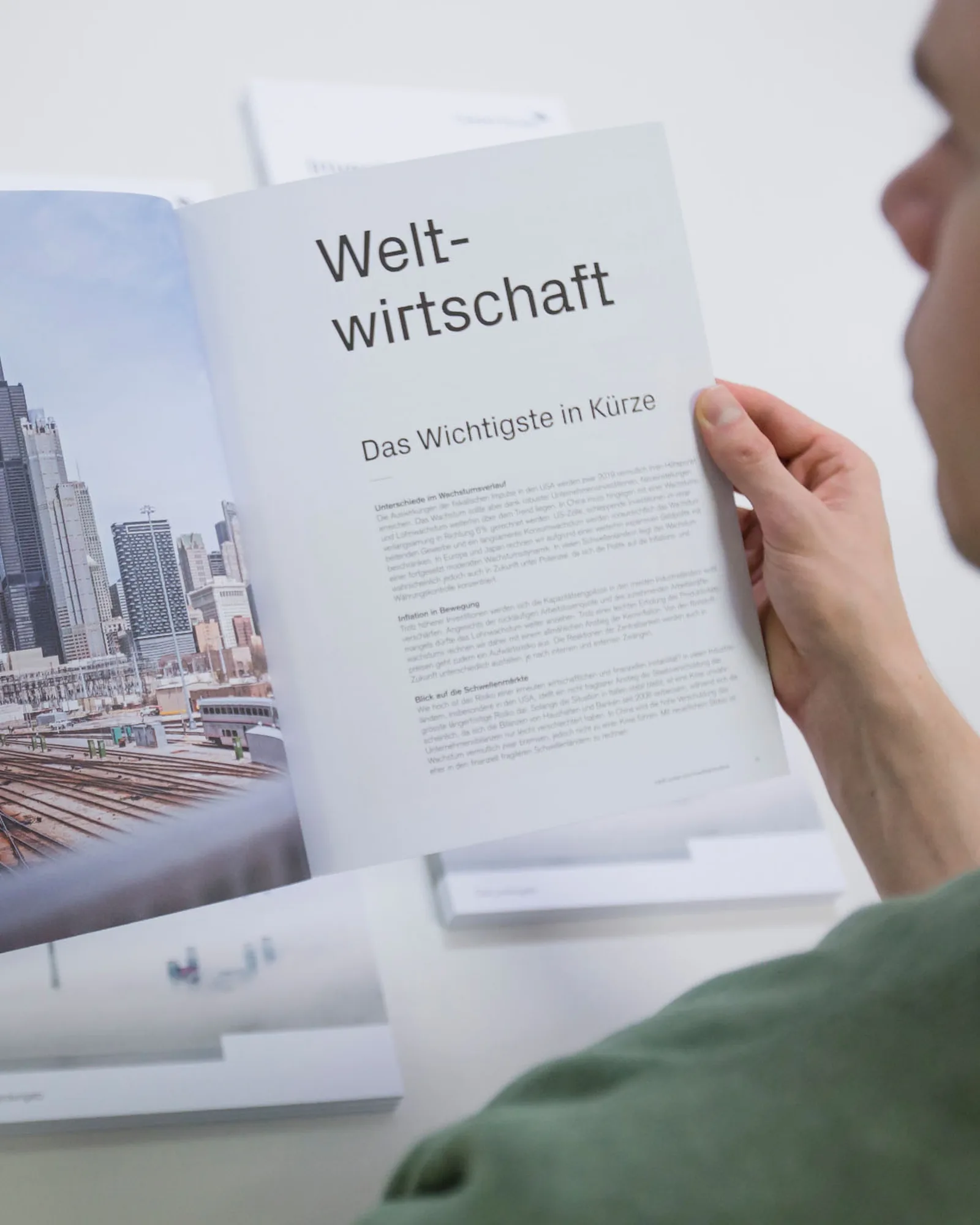
However comfortable I've become with AI, there are boundaries I don't want to cross. I wouldn't use generative AI to replace the main creative visual of a project. And I certainly wouldn't ask it to make my art for me.
Art is about more than the final image. It's about someone's perspective, experiences, curiosity, doubts and choices. The process matters. The person behind it matters. An image can be technically extraordinary and leave me completely untouched, while an imperfect, deeply personal piece of work can stay with me for years. That's something I don't want to automate away.
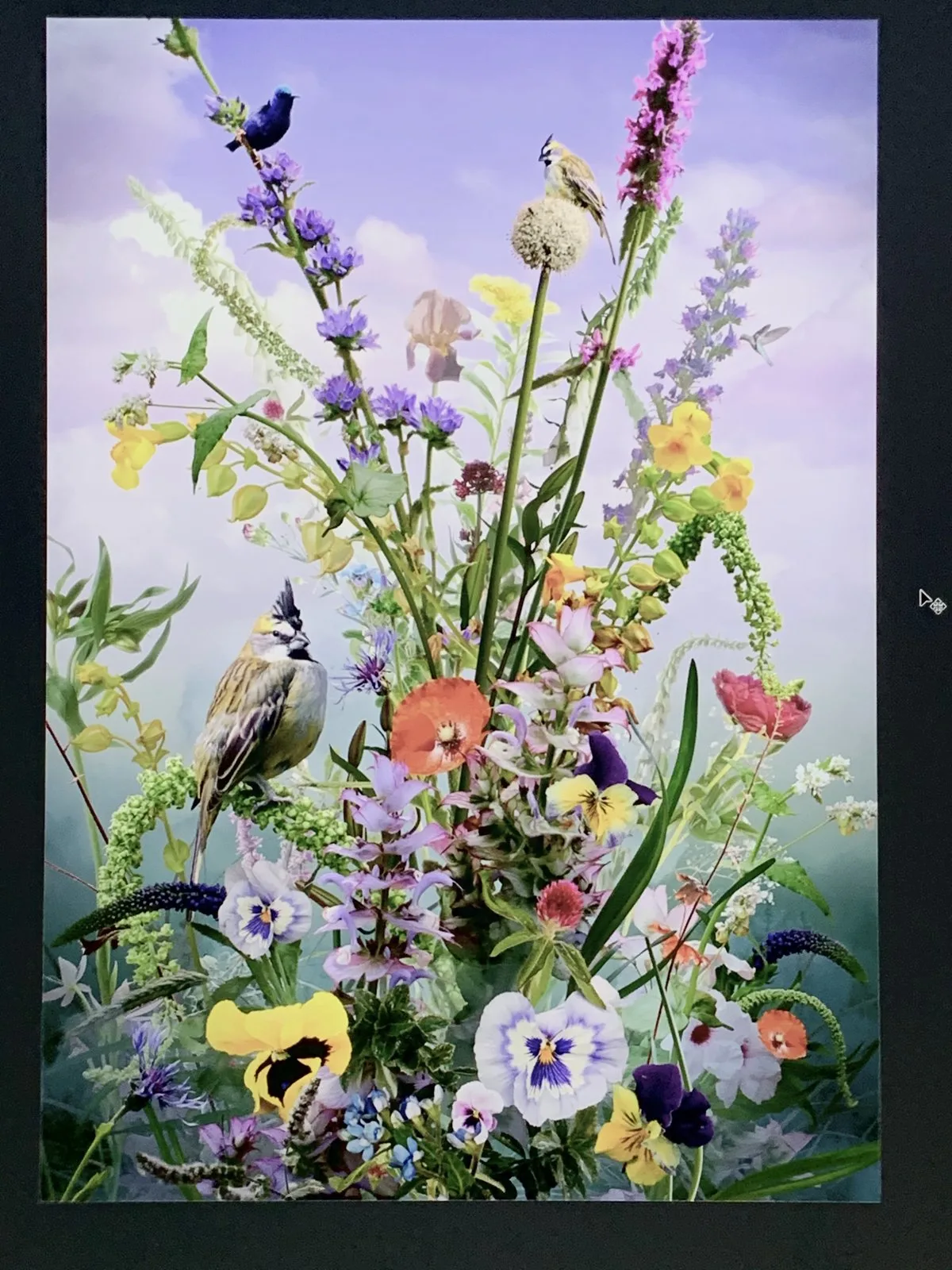
Not everyone will agree with me, and that's fine. The boundaries between technology, design and art will keep shifting. But for now, this is where I stand.
What AI helps me build.
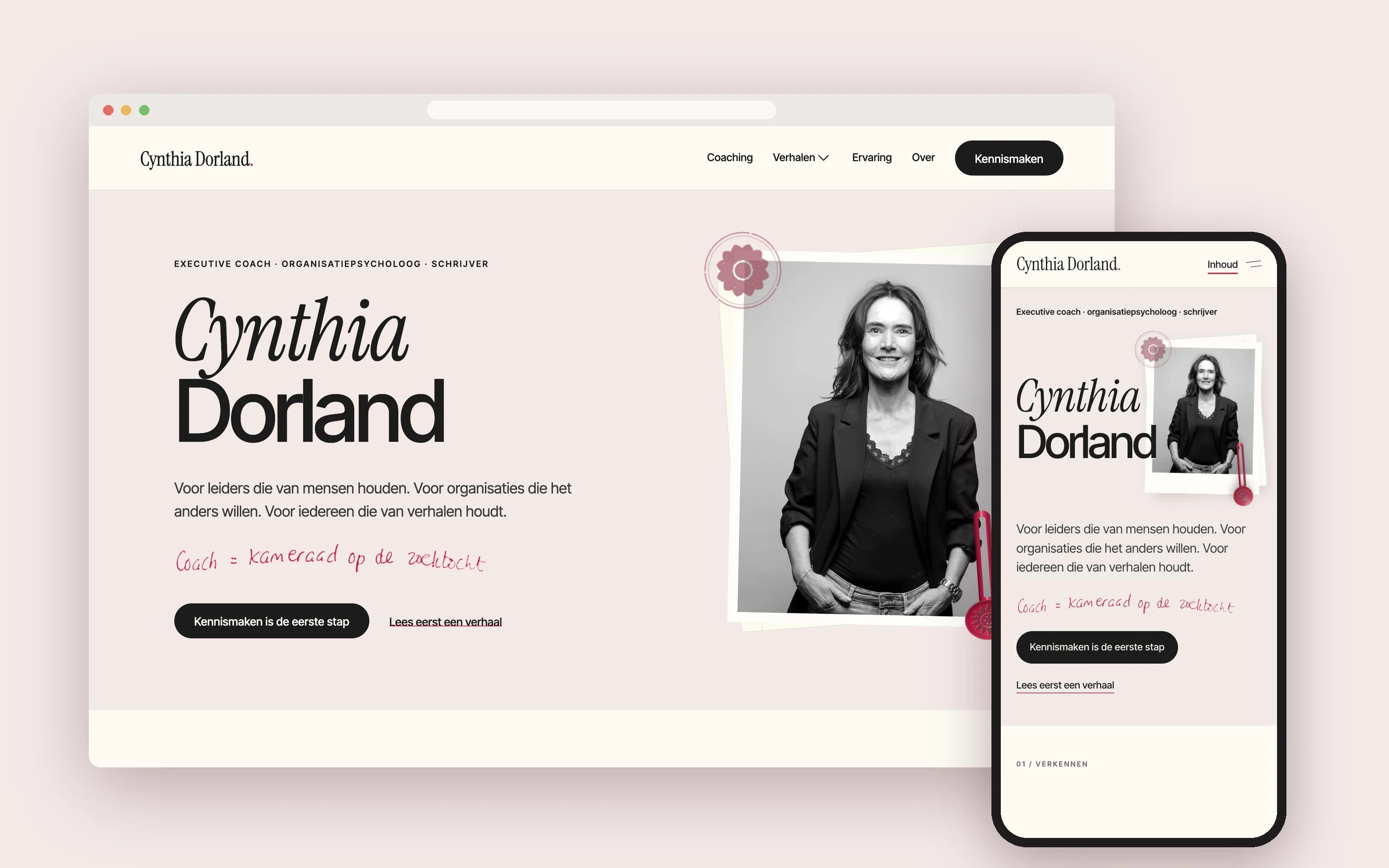
I'm also exploring how AI can help with the technical side of building websites in Webflow. A current example is the website I'm designing for Cynthia Dorland. The concept, art direction and editorial character are mine; AI helps with implementation and iteration. It's a work in progress, not a finished case study. Explore the Webflow preview.
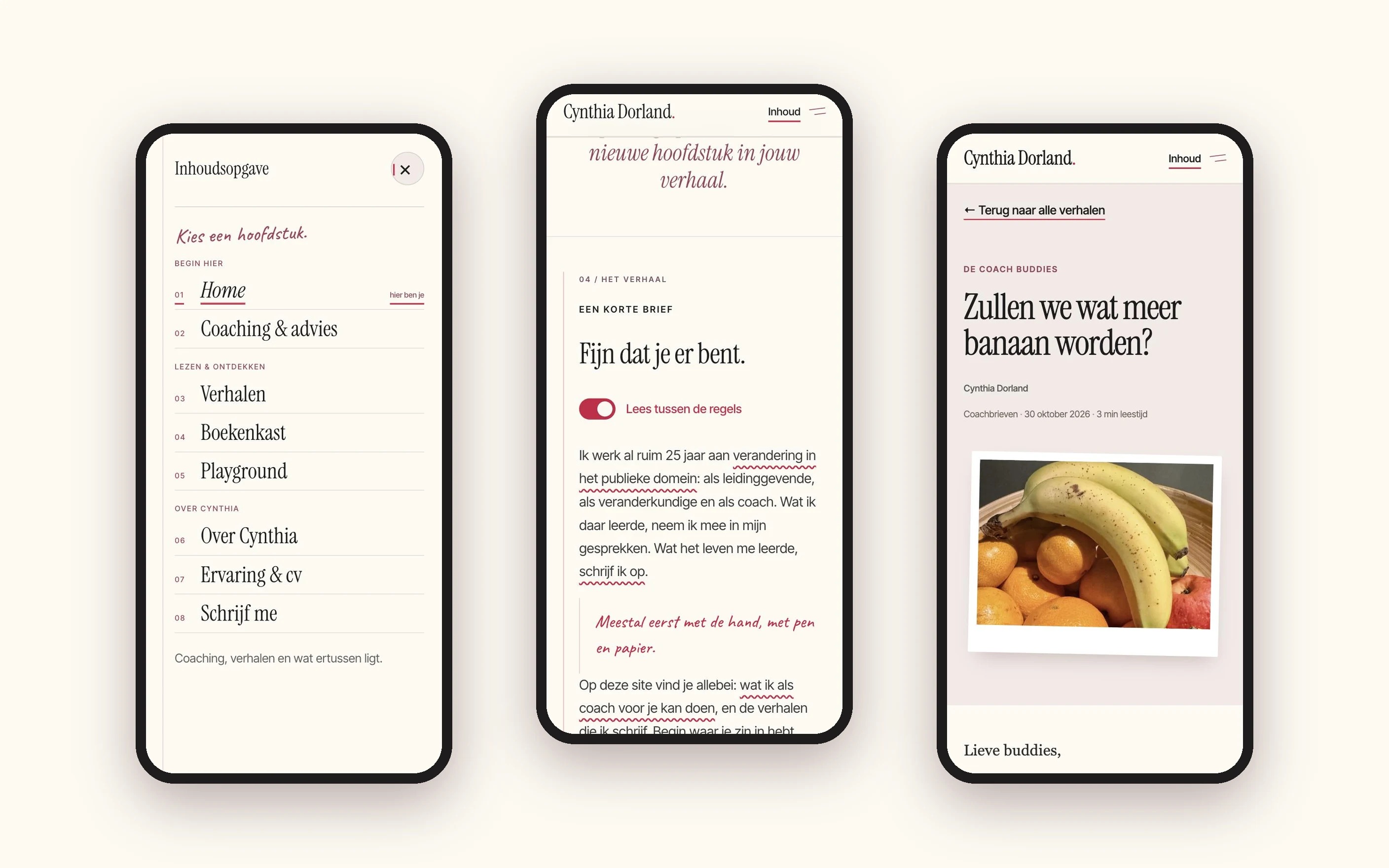
Unlike the other projects shown here, which were made without generative AI, this one uses an AI-assisted workflow.
So, should you do it yourself?
Absolutely. If you enjoy experimenting, know what you want and are happy with the results, go for it. AI has opened up creativity to people who might never have made something themselves, and I think that's genuinely valuable.
But if you want something distinctive, carefully considered and professionally executed, there's still a very good reason to work with an experienced designer. Especially one who knows how to use AI. You're not hiring me for software you don't have. You're hiring the experience, judgment, technical knowledge and critical eye I've built over fifteen years, from the first conversation to the final published result.
Six tips for making better things with AI.
If you're going to experiment yourself, and I think you should, here's what I've learned.
1. Start with an idea, not a prompt. What are you trying to communicate, and to whom? What should people feel, understand or do? A good idea beats a clever prompt.
2. Don't confuse impressive with effective. AI loves to impress. But does the result actually say what you intended?
3. Never settle for the first result. The first output is a starting point. Question it, change direction, and don't be afraid to throw something away.
4. Learn the fundamentals. You don't need a design degree, but a little knowledge of typography, composition, contrast, hierarchy and colour makes a remarkable difference.
5. Pay attention to the boring stuff. Resolution, accessibility, file formats, colour profiles, copyright and production requirements are often what separate an amateur result from a professional one.
6. Know when to ask for help. Sometimes AI is all you need. Sometimes a designer can take your idea somewhere you hadn't imagined. And sometimes the best results come from combining both.
Making peace with AI. Sort of.
I haven't completely changed my mind. My concerns about authorship, consent, originality and the value of human creativity haven't disappeared. But I've become more pragmatic. I can embrace a powerful new tool without embracing everything it represents, and AI can make me a more effective designer without becoming the creative voice behind my work.
AI makes creating easier. Experience makes the difference.
And if you'd rather spend your time doing what you're good at, while someone else makes it look, feel and work exactly right, you know where to find me.